Yoppli Video Player Design Pro


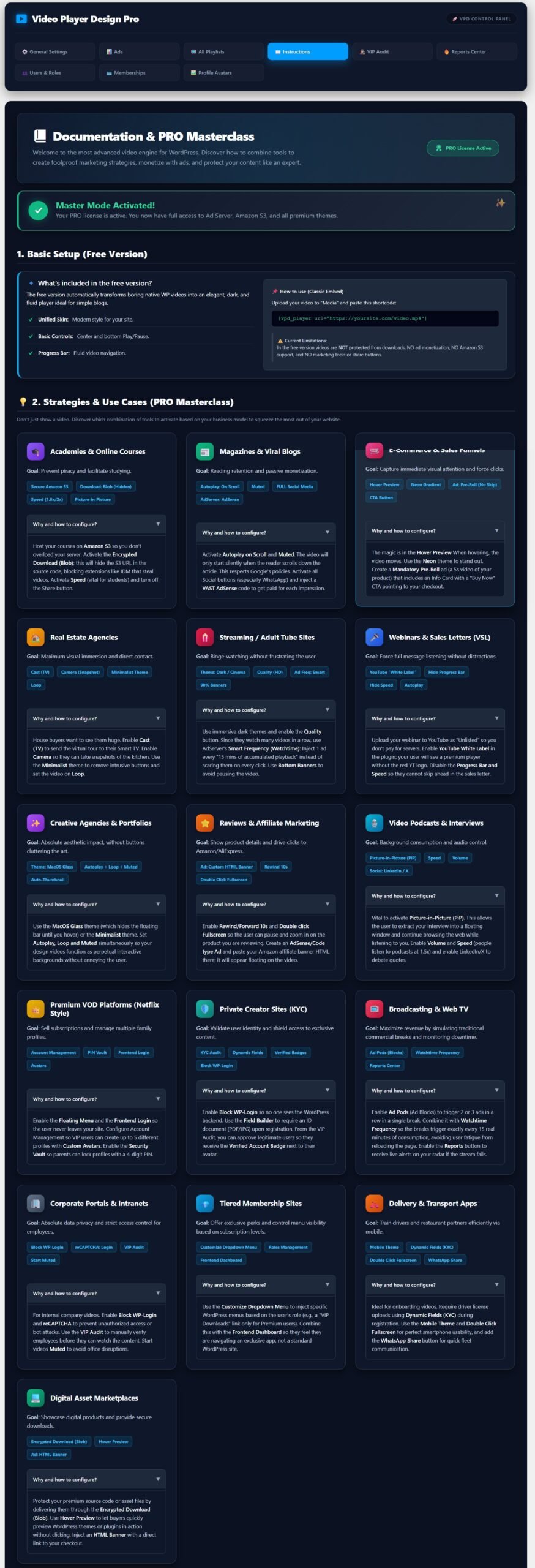
Welcome to the most advanced video engine for WordPress. Discover how to combine tools to create foolproof marketing strategies, monetize with ads, and protect your content like an expert.
Additional Information: Free vs. PRO Version
Video Player Design is built to give you the most elegant and fluid video experience on WordPress. Whether you are running a simple blog or a complex digital business, our player adapts to your needs.
Here is a detailed breakdown of what you get with the Free version and the powerful tools waiting for you in the PRO upgrade:
🟢 FREE VERSION: The Essential Elegance
The free version is perfect for simple blogs, portfolios, or anyone looking to upgrade the boring native WordPress video player instantly.
What’s Included:
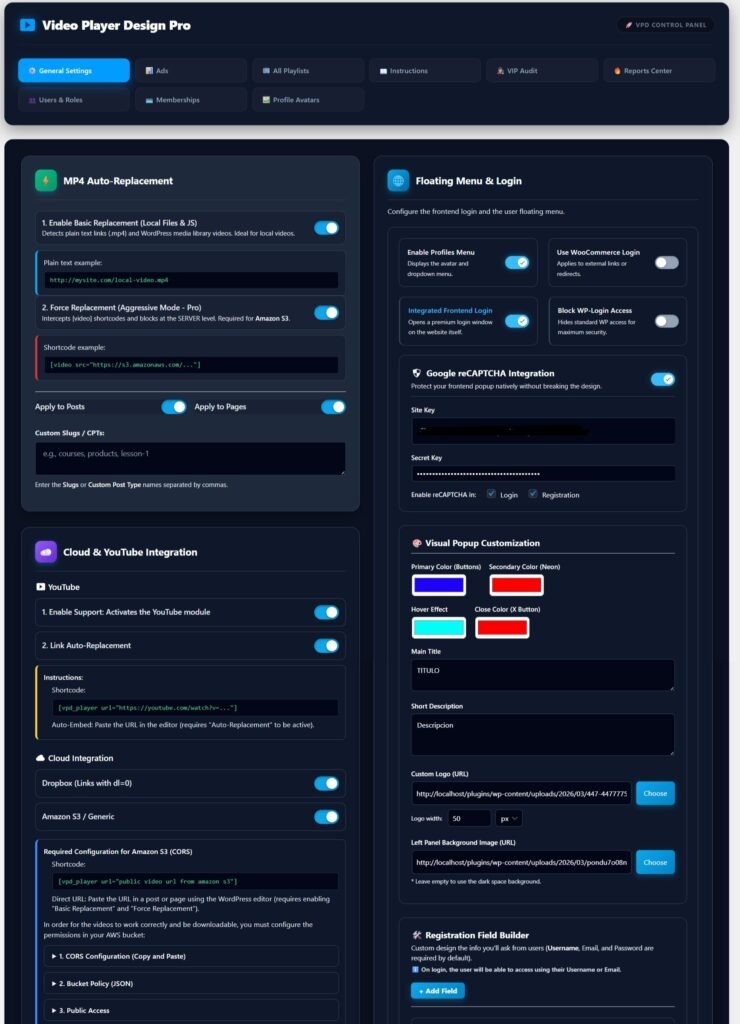
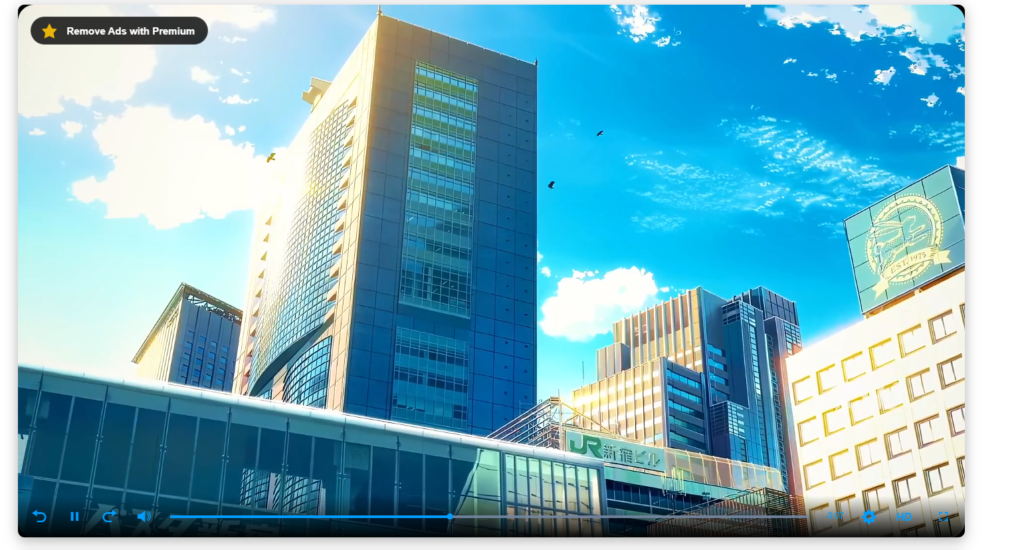
- Automatic Replacement Engine: Scans your “Posts” and “Pages” and automatically transforms any native .mp4 link or block into our sleek, dark, and fluid player.
- Custom Slugs Support: You can manually configure which URL slugs the player should actively scan.
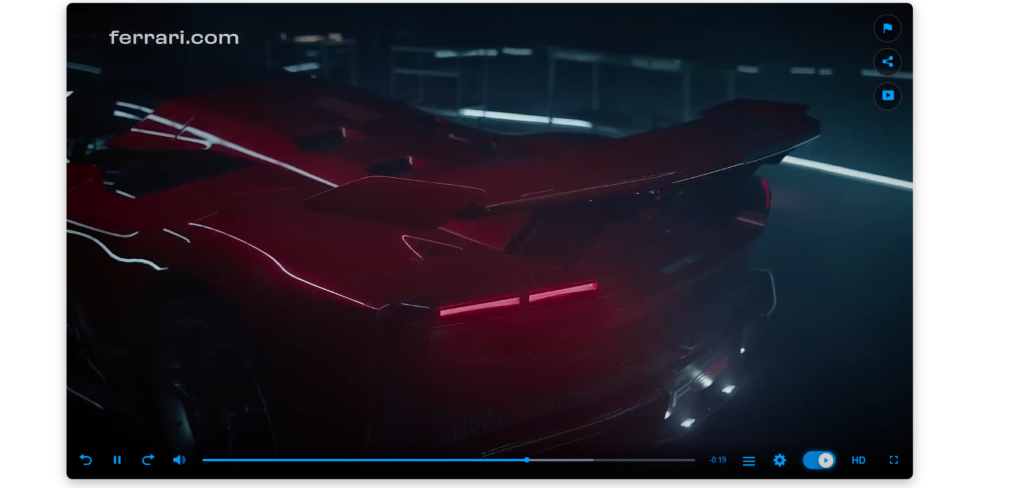
- Unified Skin: A modern, dark aesthetic that makes your videos look professional.
- Basic Controls: Clean interface with a center Play icon and a bottom control bar (Play/Pause).
- Progress Bar: Fluid video navigation with a standard timeline.
👑 PREMIUM FEATURES (PRO VERSION)
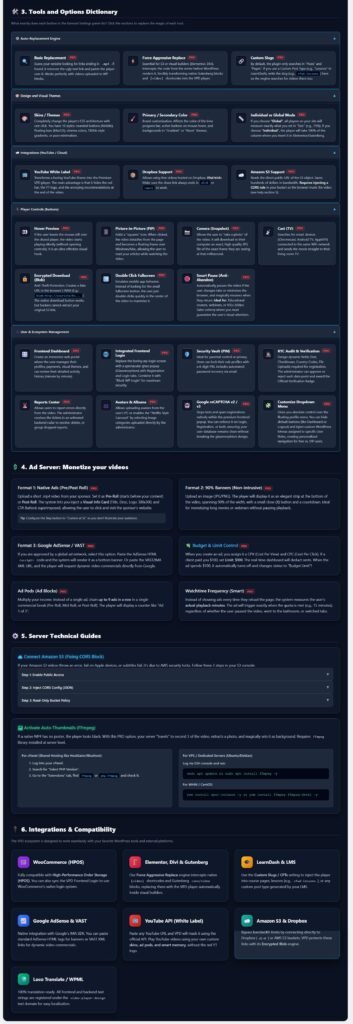
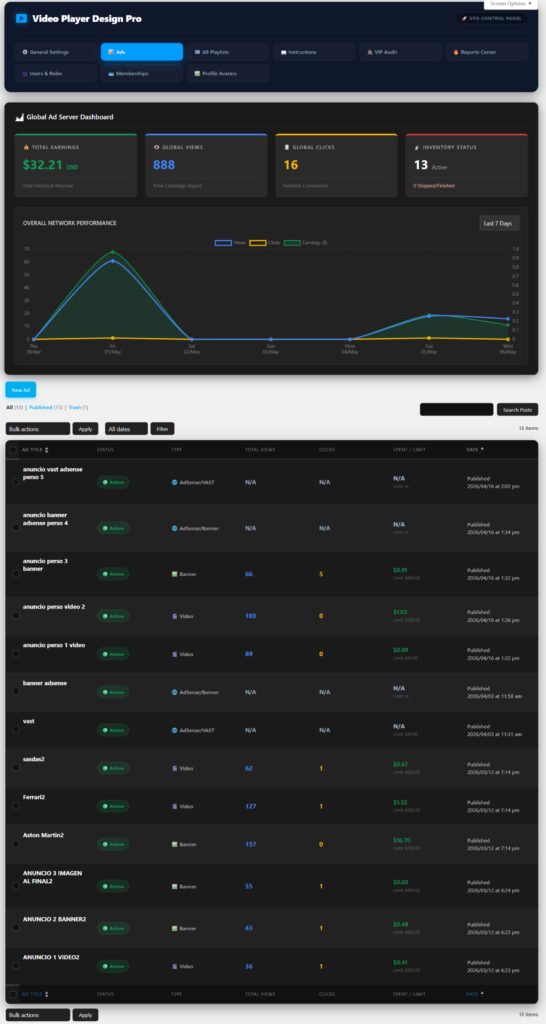
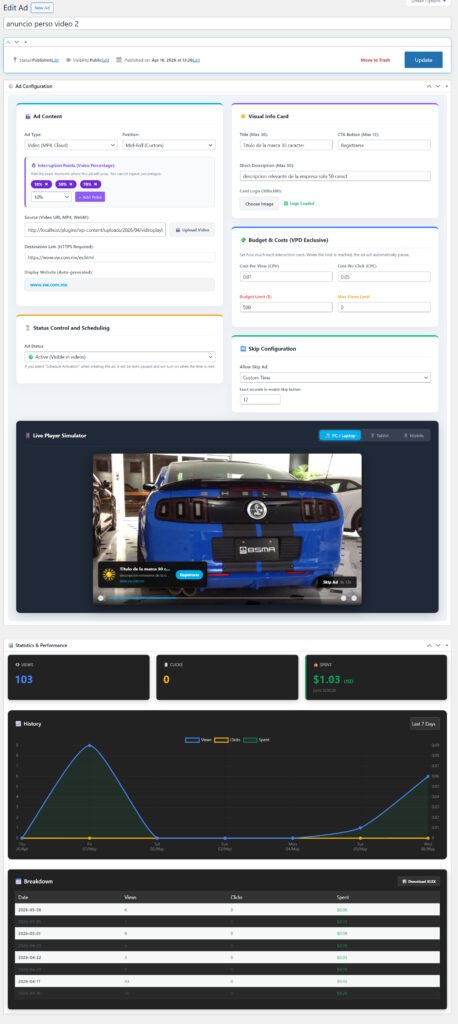
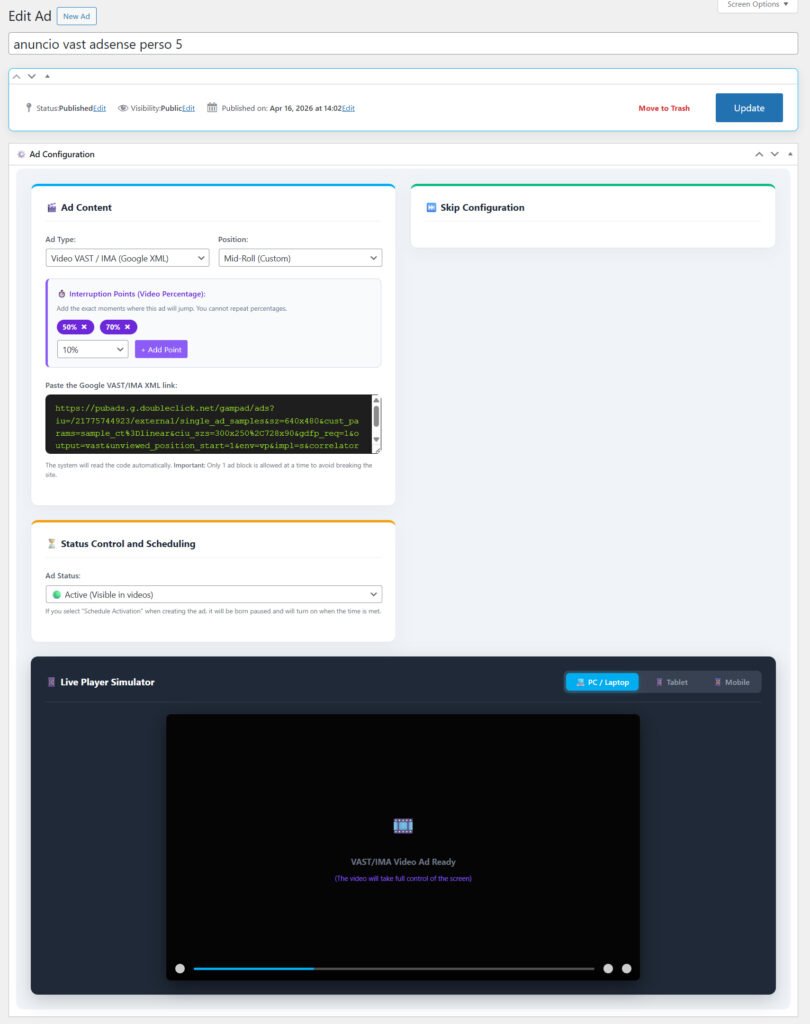
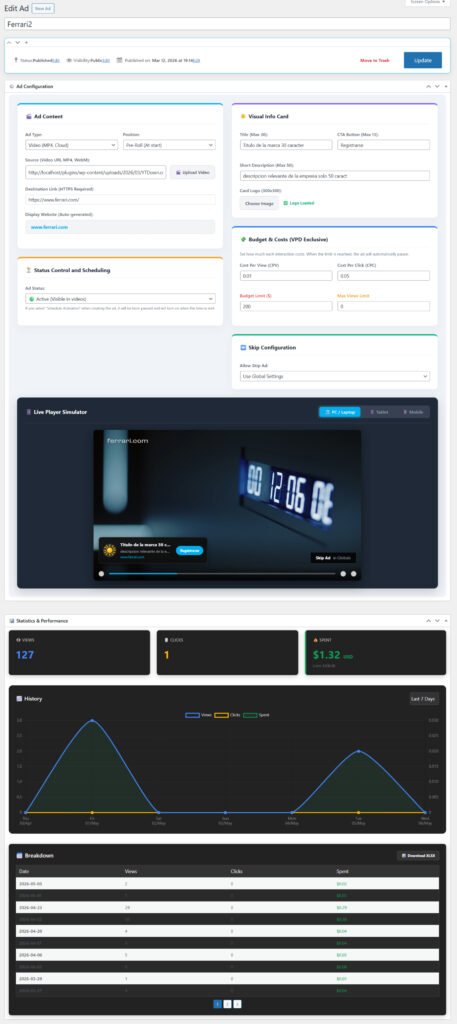
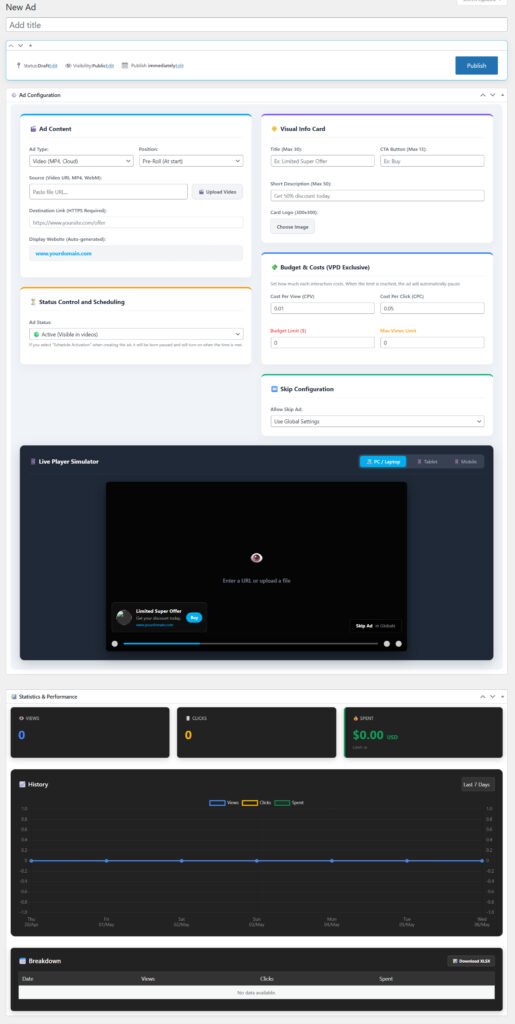
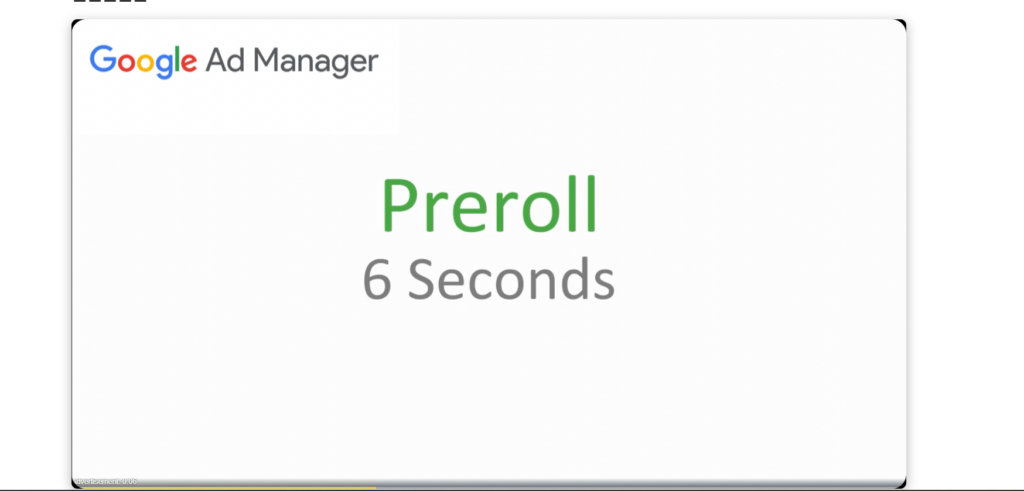
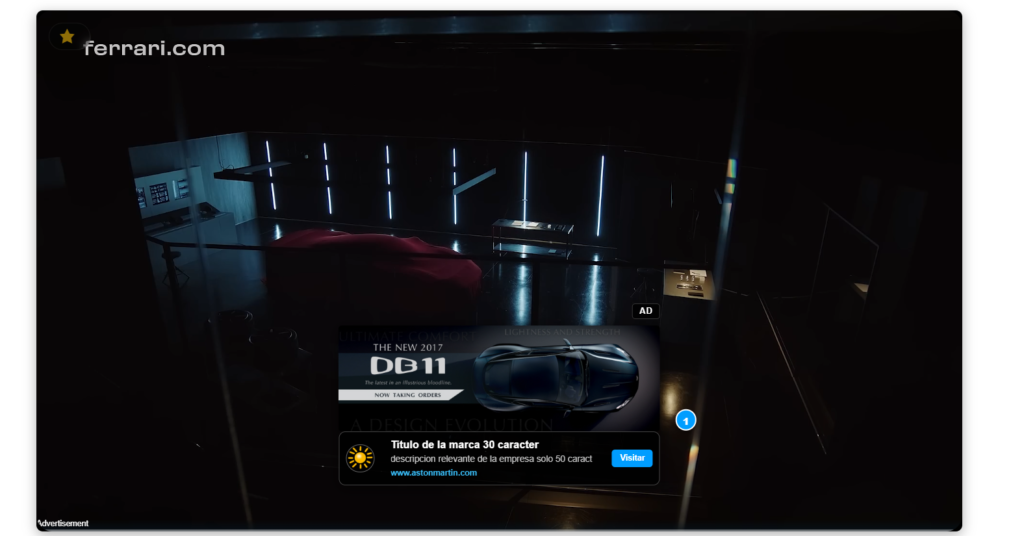
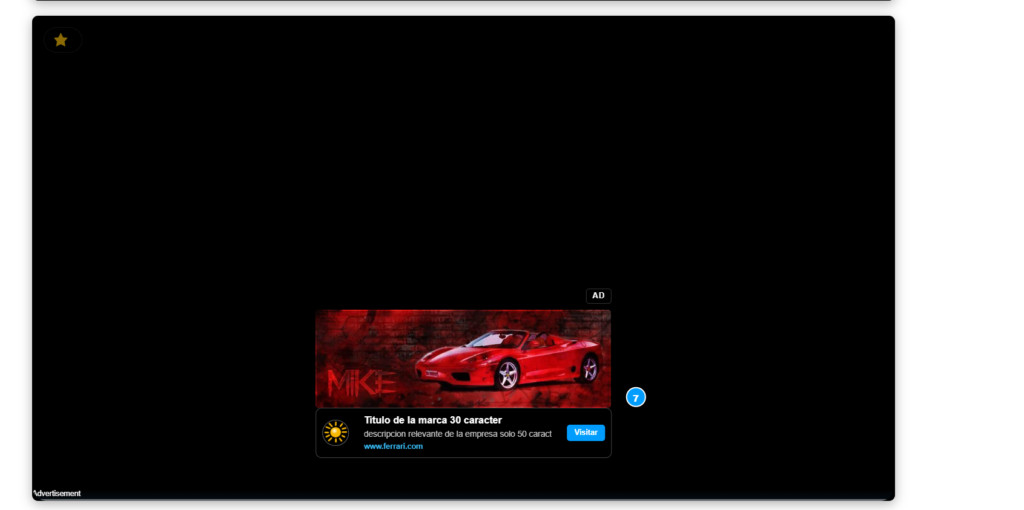
💸 Advanced Ad Server Monetize directly with native video ads (Pre/Mid/Post-Roll) or non-intrusive 90% banners. Full support for Google AdSense and VAST XML. Track earnings, views, and clicks with our live Dashboard. Build Ad Pods (commercial breaks) and set Smart Watchtime Frequency.
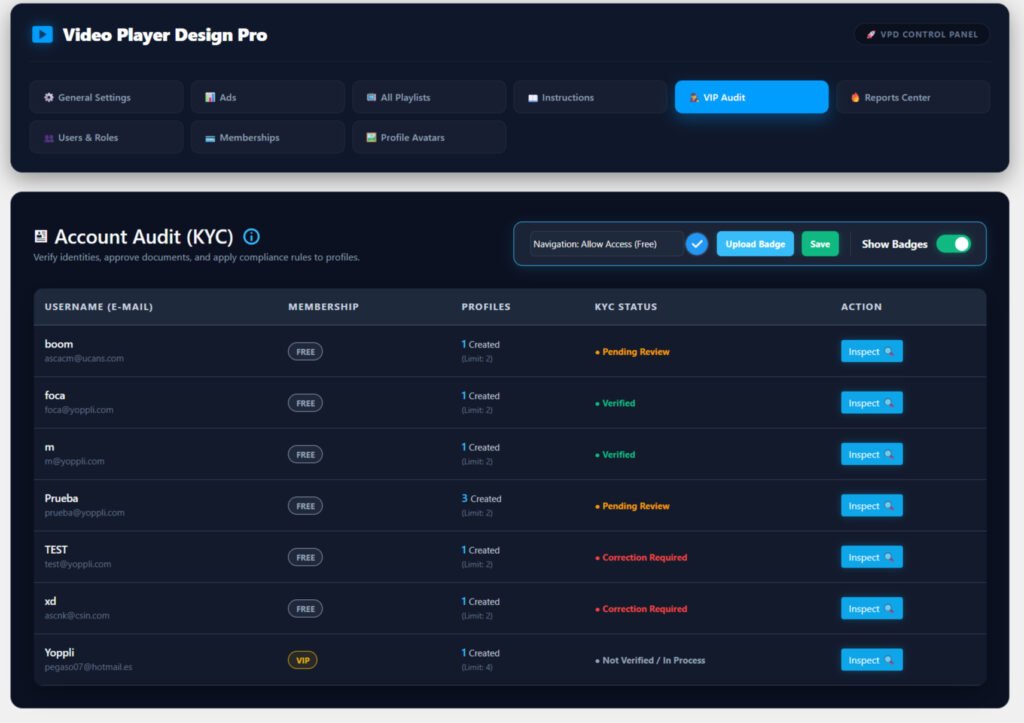
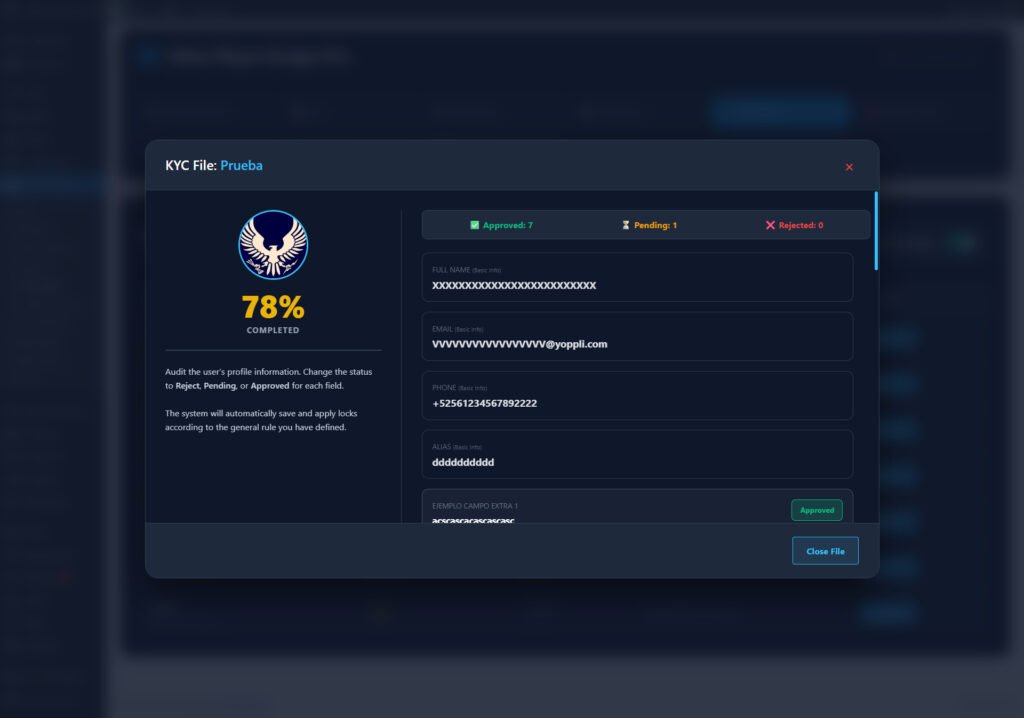
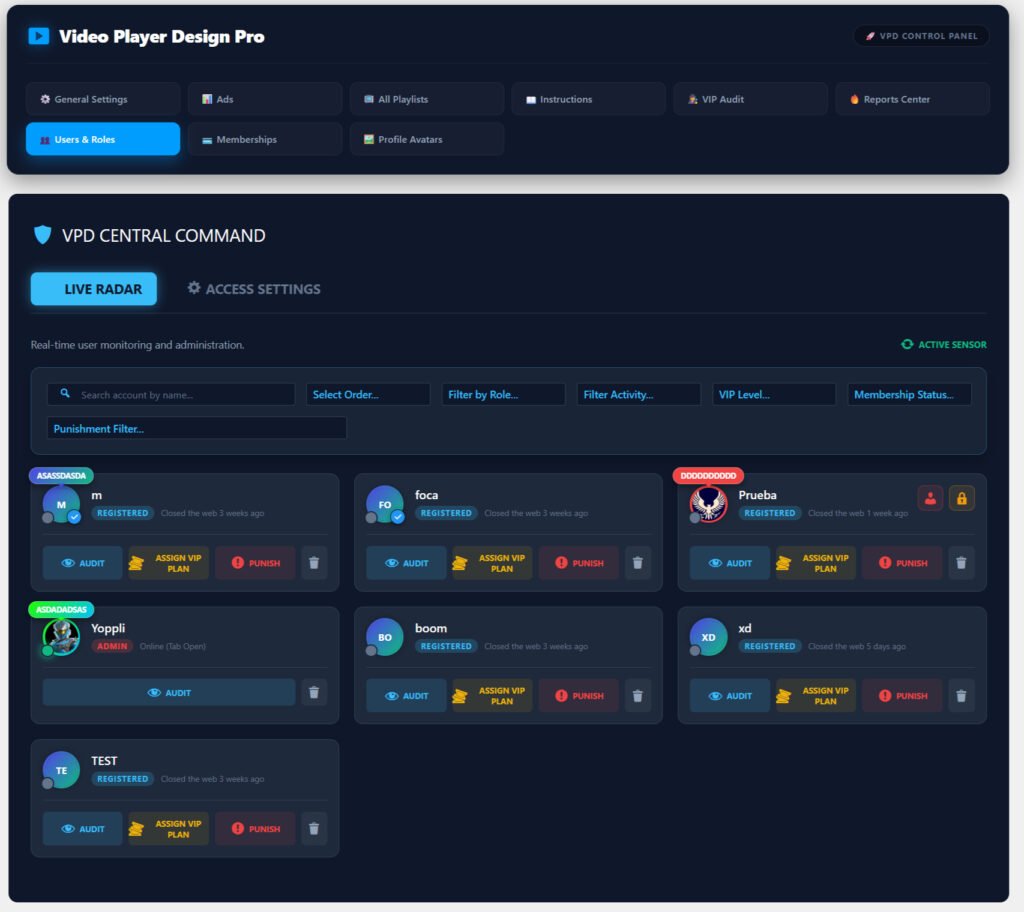
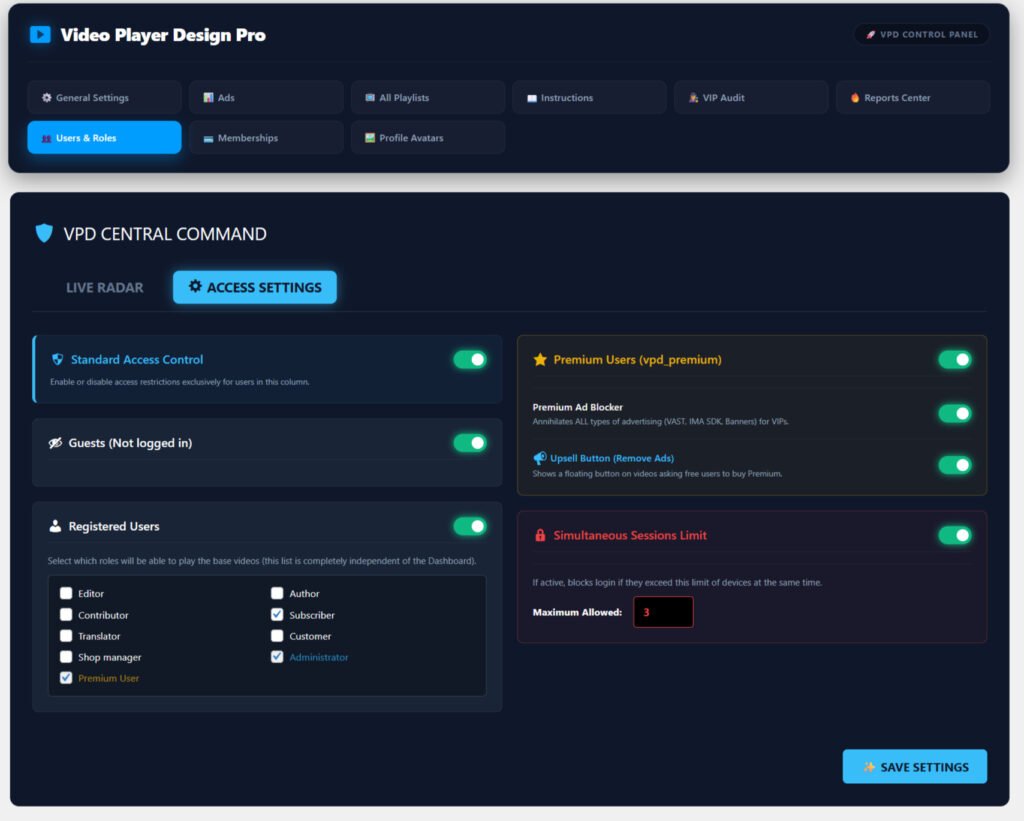
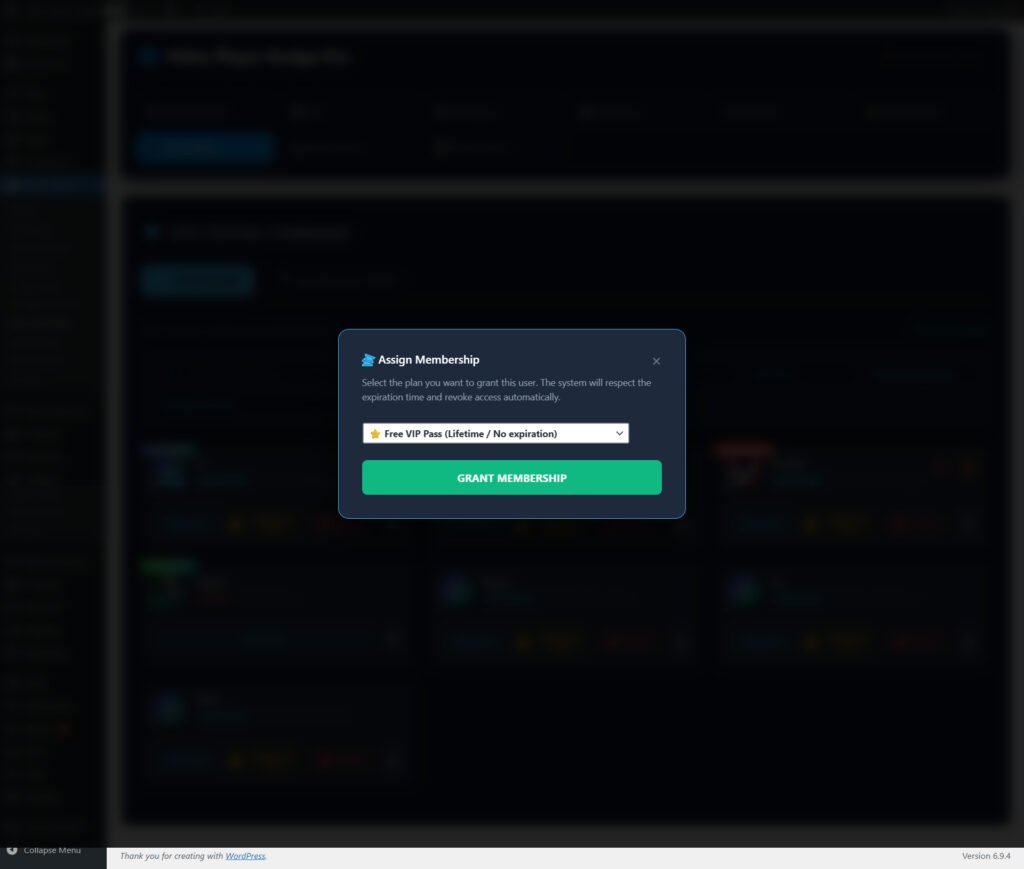
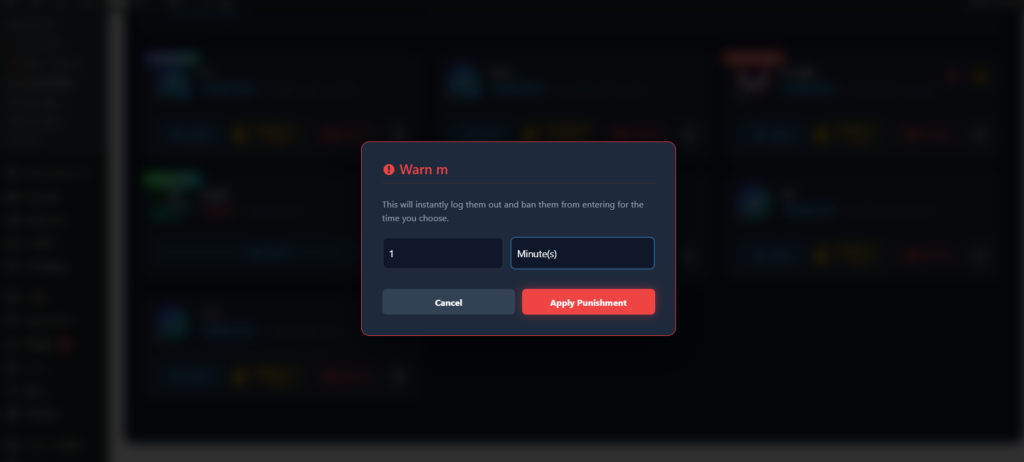
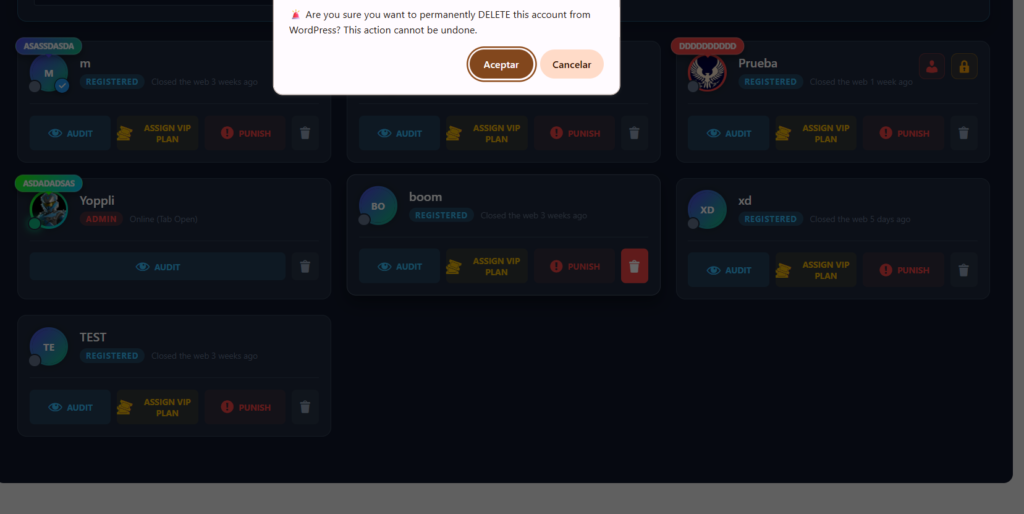
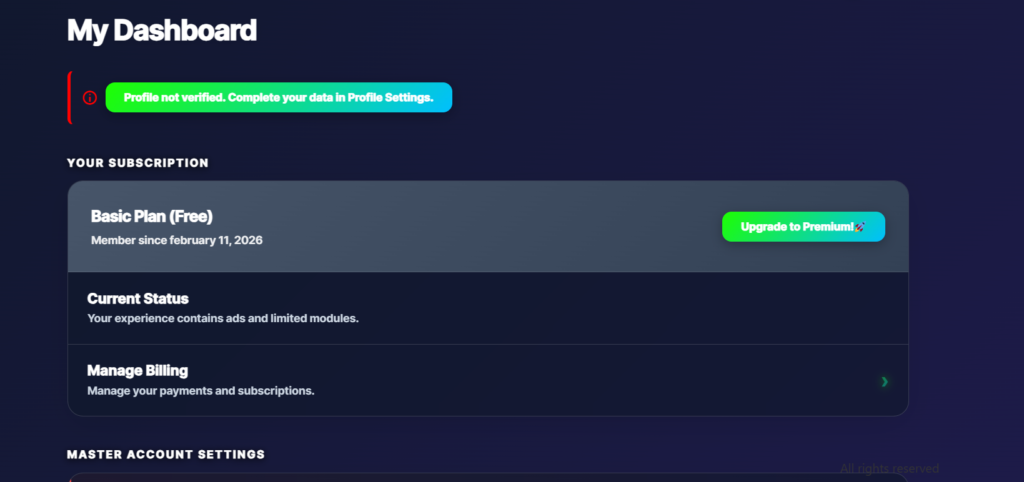
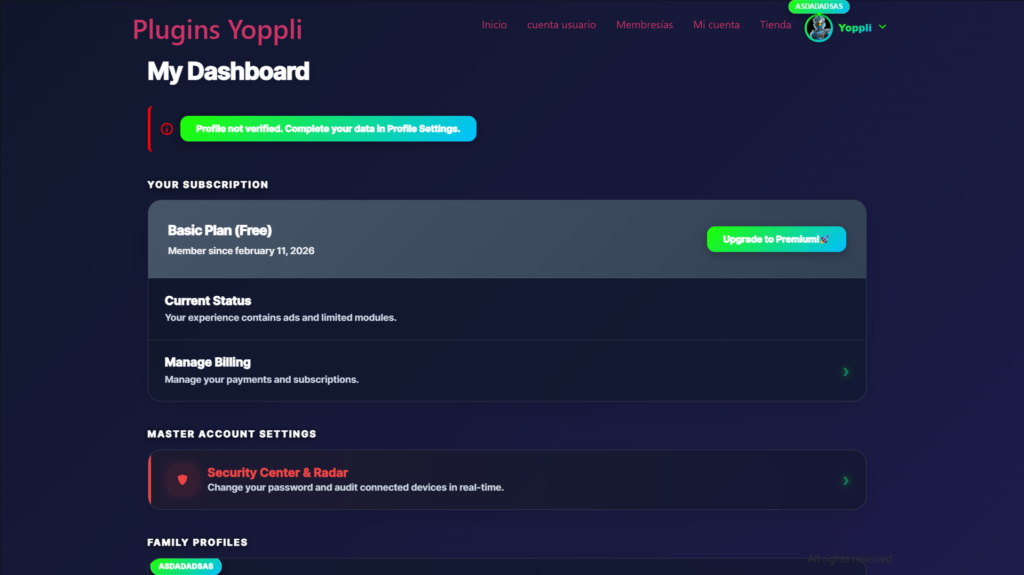
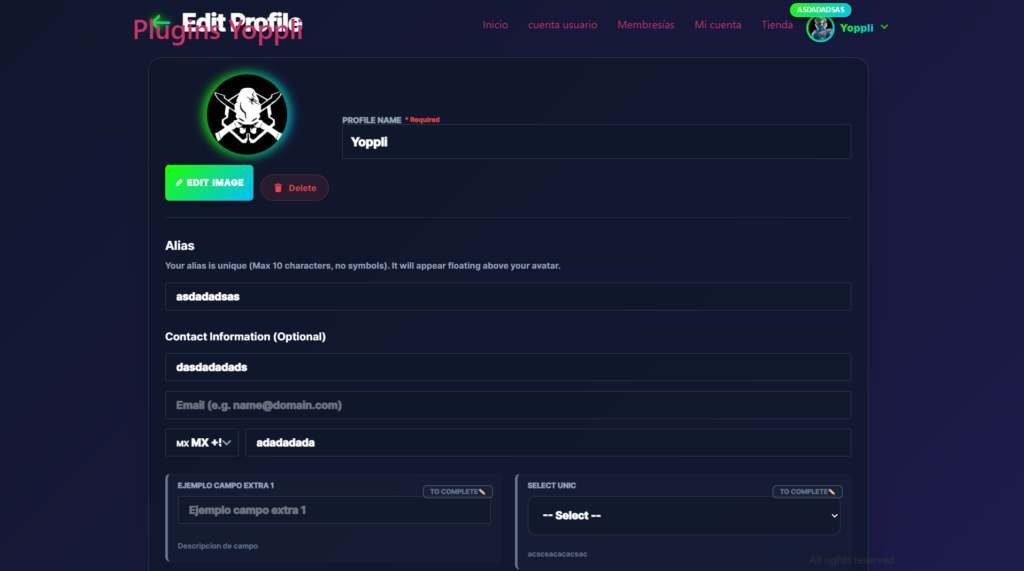
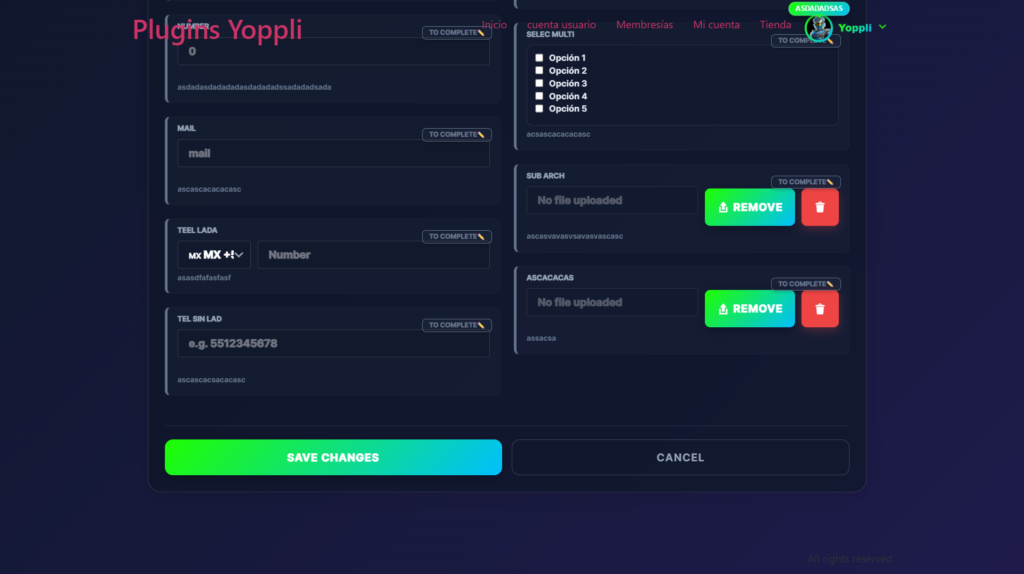
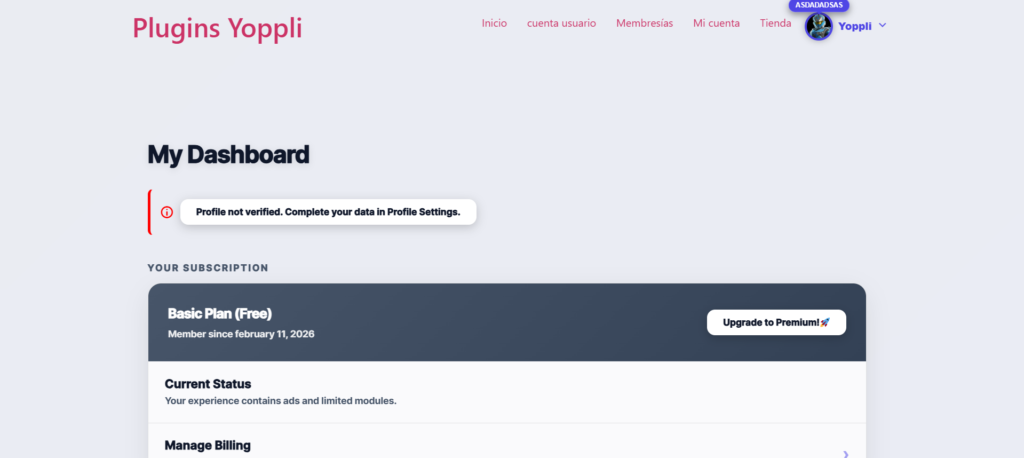
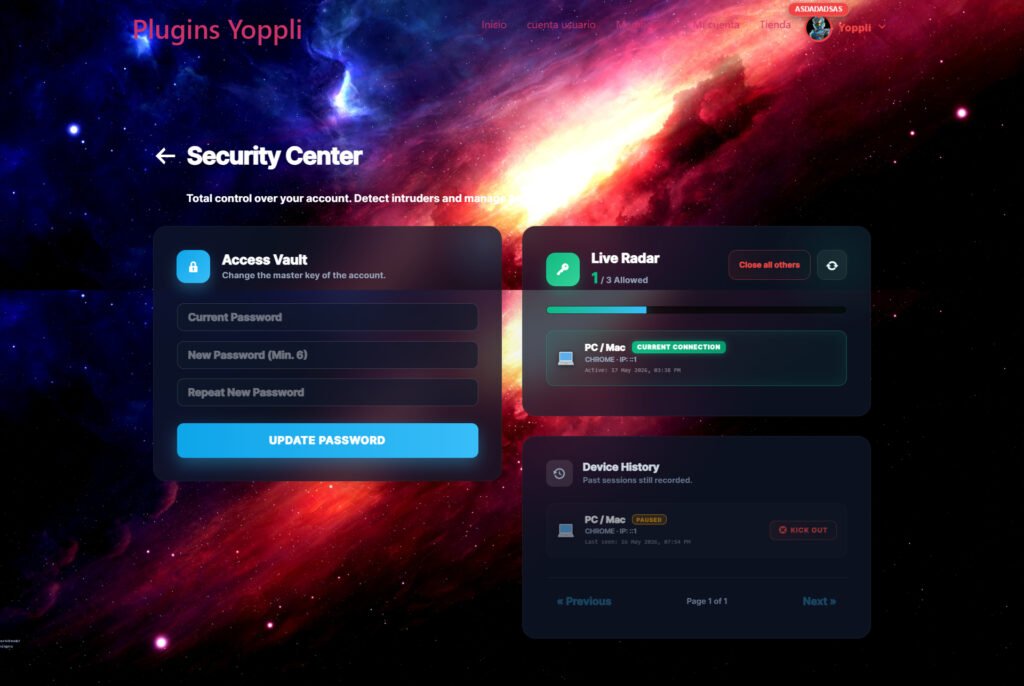
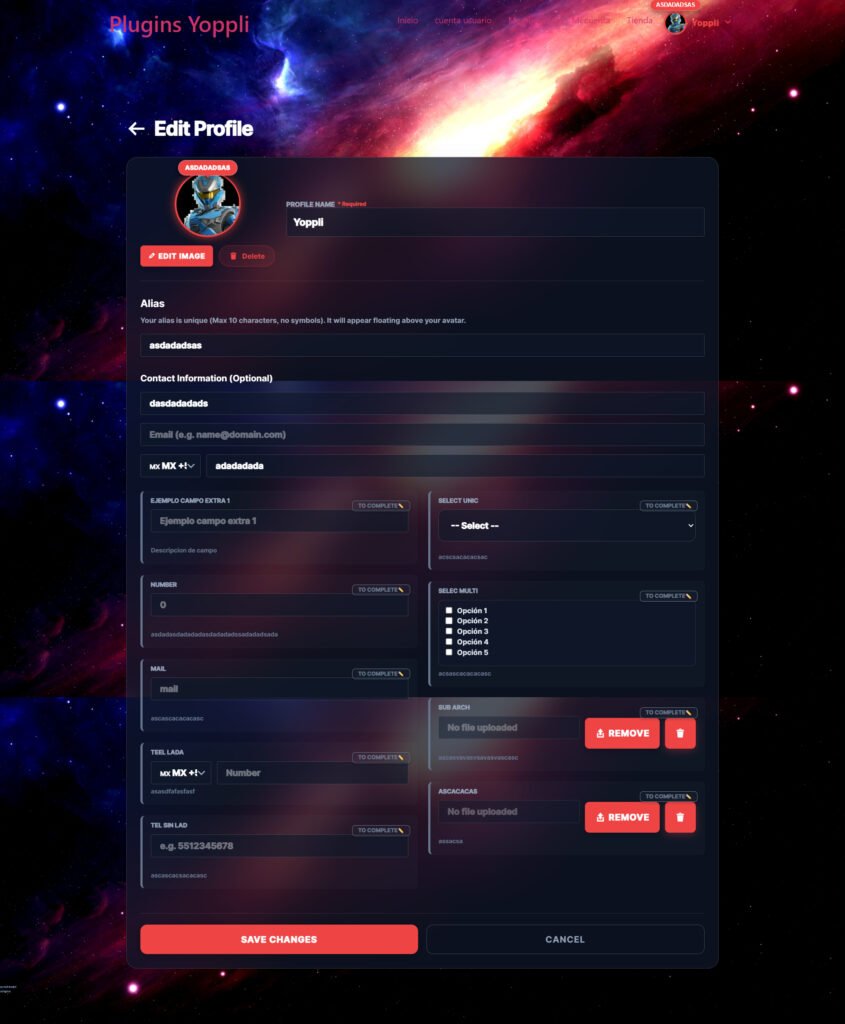
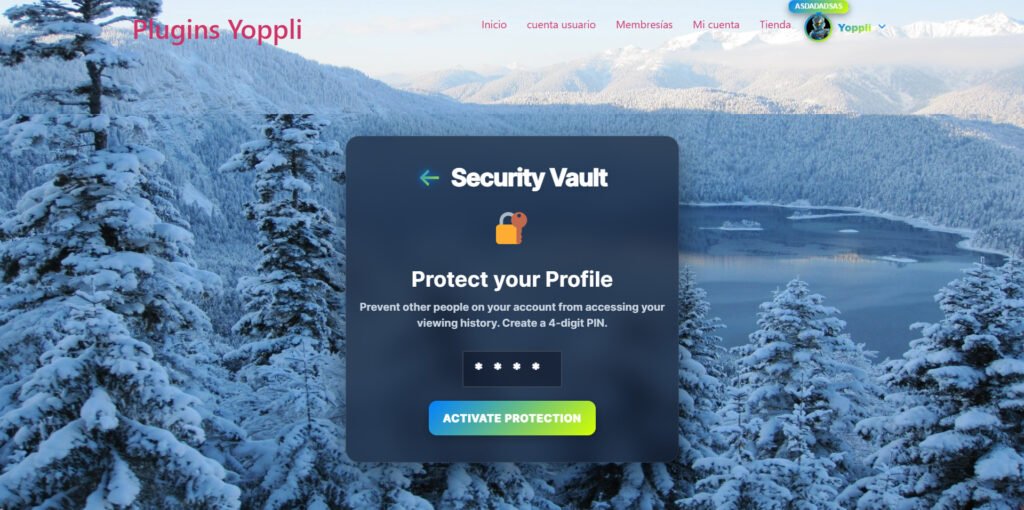
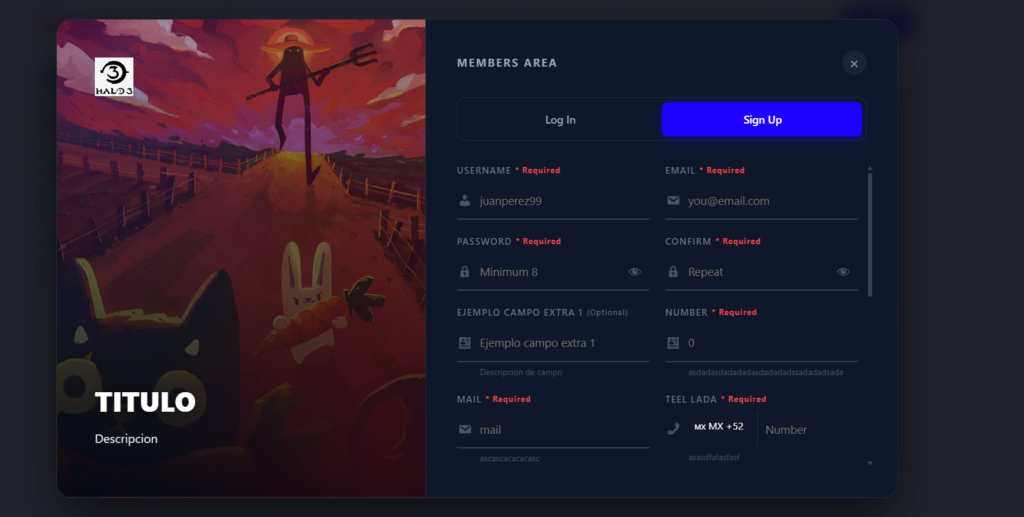
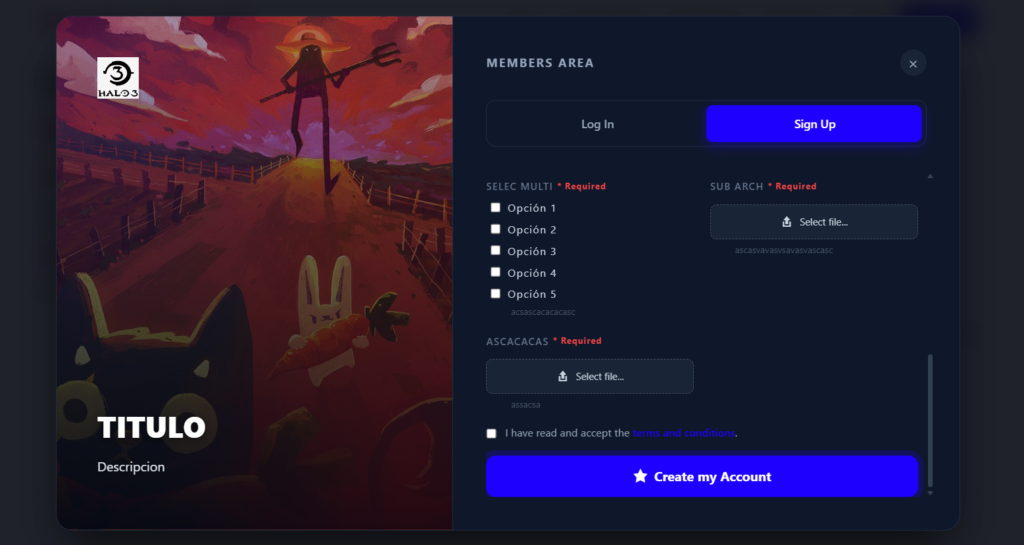
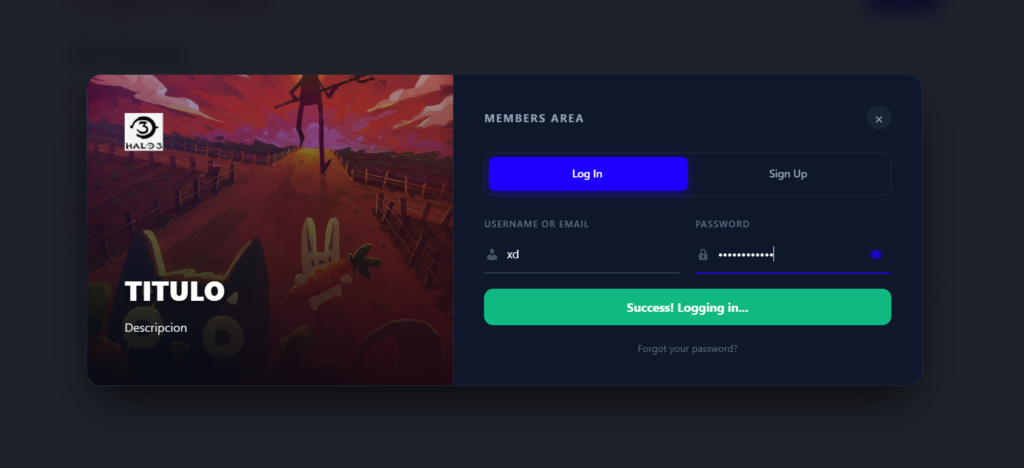
🛡️ Absolute Video Security & KYC Create private creator sites with our KYC Audit Dashboard. Build custom registration fields and award “Verified Badges” from a VIP Audit dashboard.
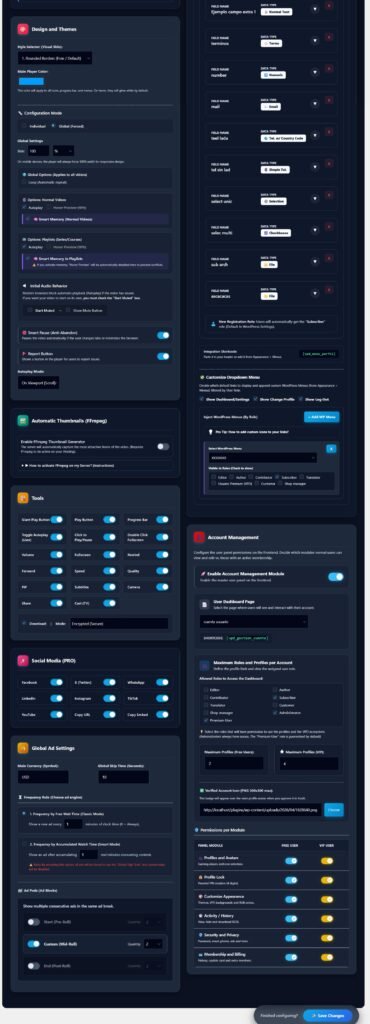
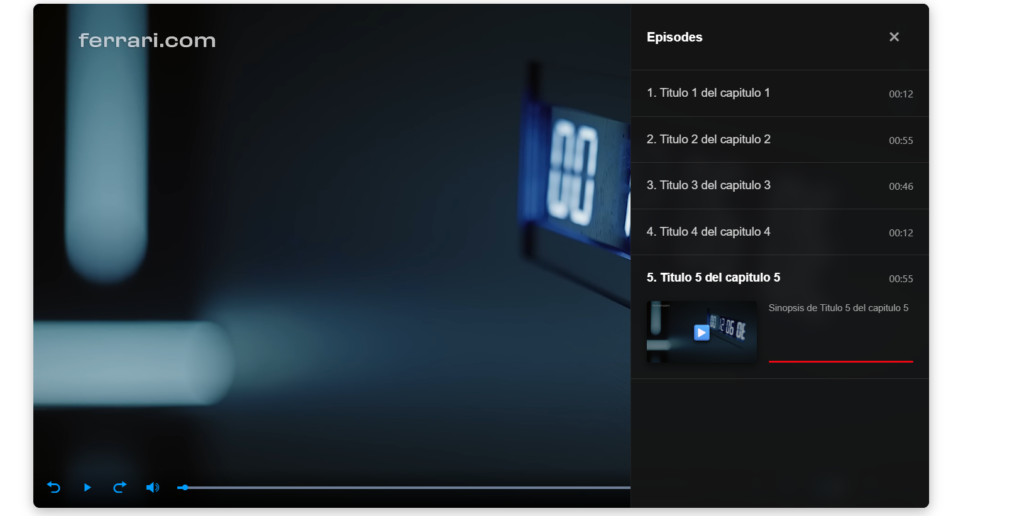
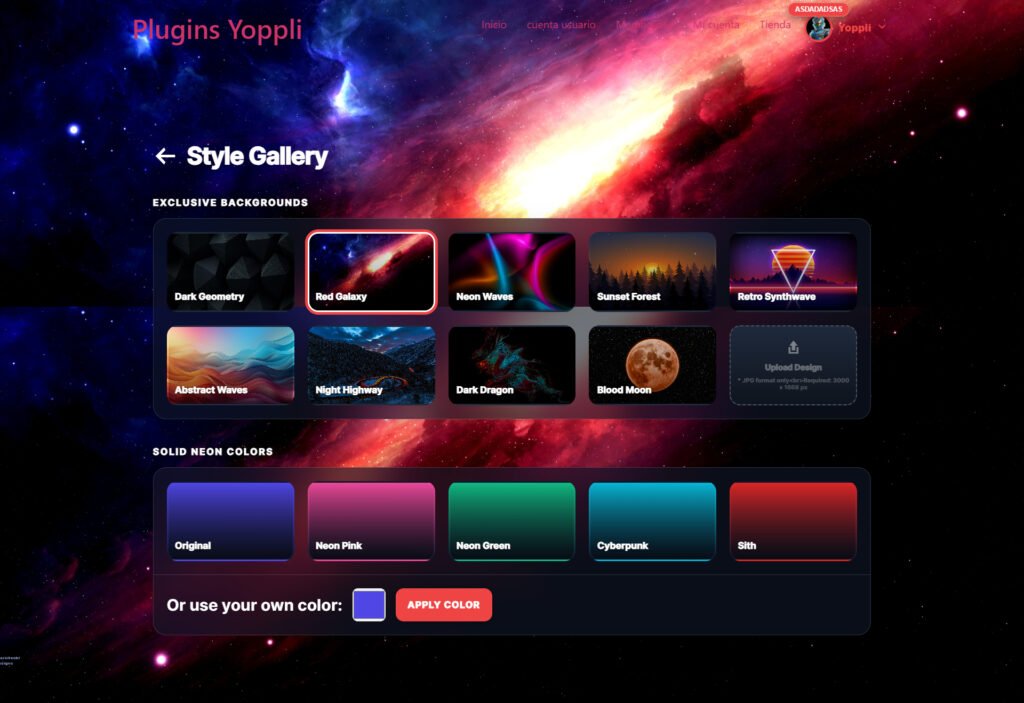
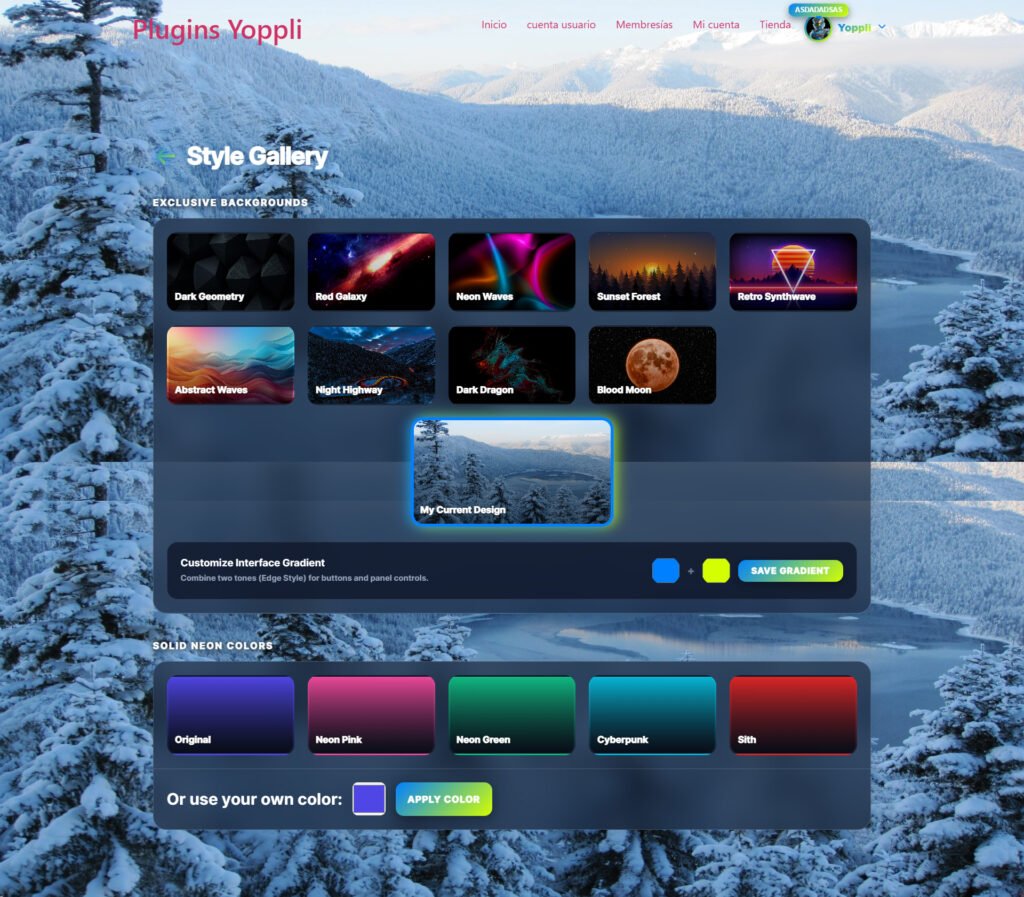
🎨 10+ Premium Visual Themes Transform your player with one click: MacOS Glass (floating controls), Neon Gradients, Netflix-style Cinema, or Pure Minimalist. Customize primary and secondary brand colors to perfectly match your site!
🕹️ Advanced UX & Marketing Tools
- Hover Preview: The video starts playing silently when users hover over it (Netflix style)—an ultra-effective visual hook.
- Smart Pause (Anti-Abandon): Automatically pauses the video if the user switches browser tabs, forcing visual attention (perfect for VSLs and Courses).
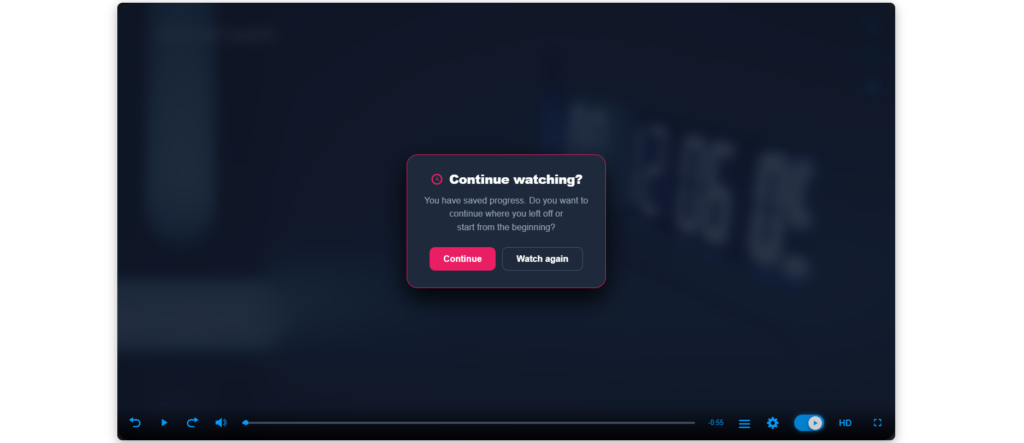
- Smart Memory: The player remembers exactly where the user left off and resumes seamlessly on their next visit.
- Picture-in-Picture (PiP) & Cast to TV: Let users float the video on their screen while reading an article, or cast it directly to their Smart TVs via Chromecast/AppleTV.
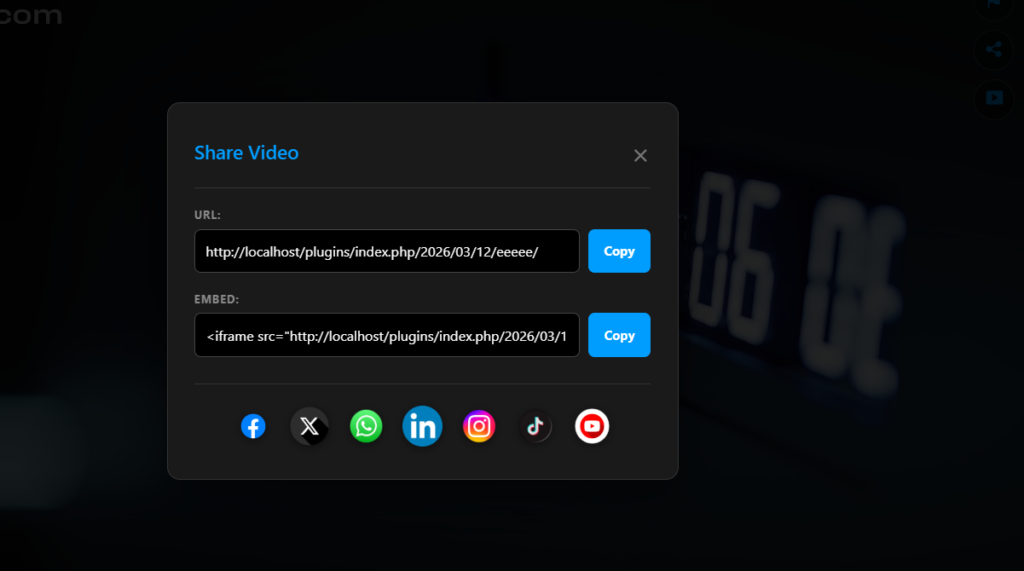
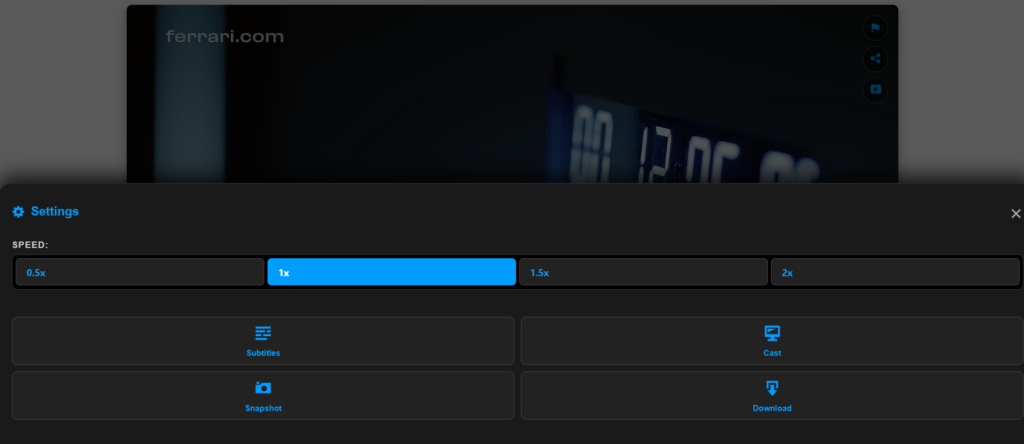
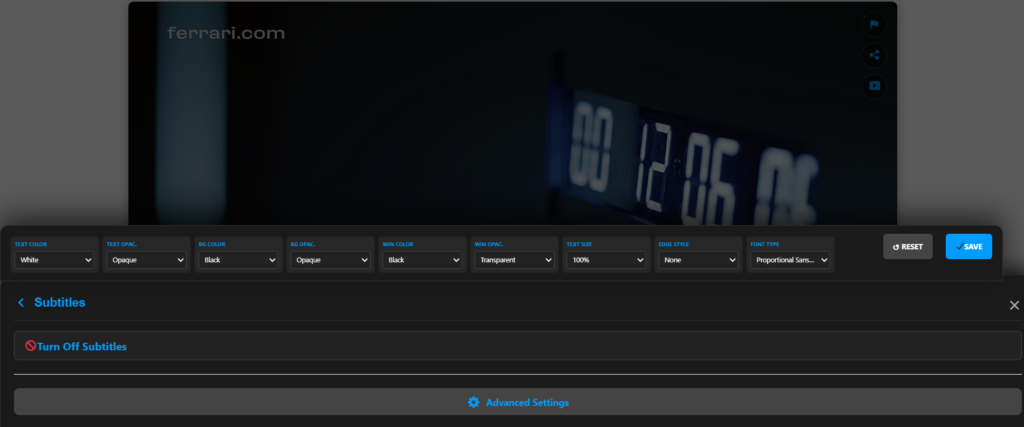
- Interactive Tools: Double-click for fullscreen, playback speed controls (vital for students), snapshot camera, and WhatsApp/Social sharing buttons.
🔌 Seamless Integrations Fully compatible with WooCommerce (HPOS), LearnDash, Elementor, Divi, Gutenberg, and 100% translation-ready for Loco Translate and WPML. Our aggressive engine intercepts old shortcodes and transforms them flawlessly within visual builders.
👉 Ready to take your videos to the next level? Discover the PRO Masterclass, explore business use-cases, and get your license at: